Back in the day, if you wanted to keep a copy of your computer files you'd more than likely save them to a floppy disc or burn them to CD.
Back in the day, if you wanted to keep a copy of your computer files you'd more than likely save them to a floppy disc or burn them to CD.
Nowadays, there's still the option to save files to a physical object, but it's more likely to be a chunky external hard drive than a disc.
However, most businesses most of the time backup their data on the cloud. This means that their data is accessible anywhere with an Internet connection – it's not tied to a particular device or disc.
Of course, when we talk about cloud migration we're talking about much more than just backing up your holiday snaps. In a business context, it involves data, applications, software – and power.
The cloud doesn't only move data and software off-site – it also moves the computing power needed for it to function.
Think of it this way. In the days before the electric grid, if you needed electric power you would have a generator on your property – one that it was down to you to operate and maintain. These days, the vast majority of us pay bills to electricity providers who pump the power into our homes and workplaces so we don't have to bother.
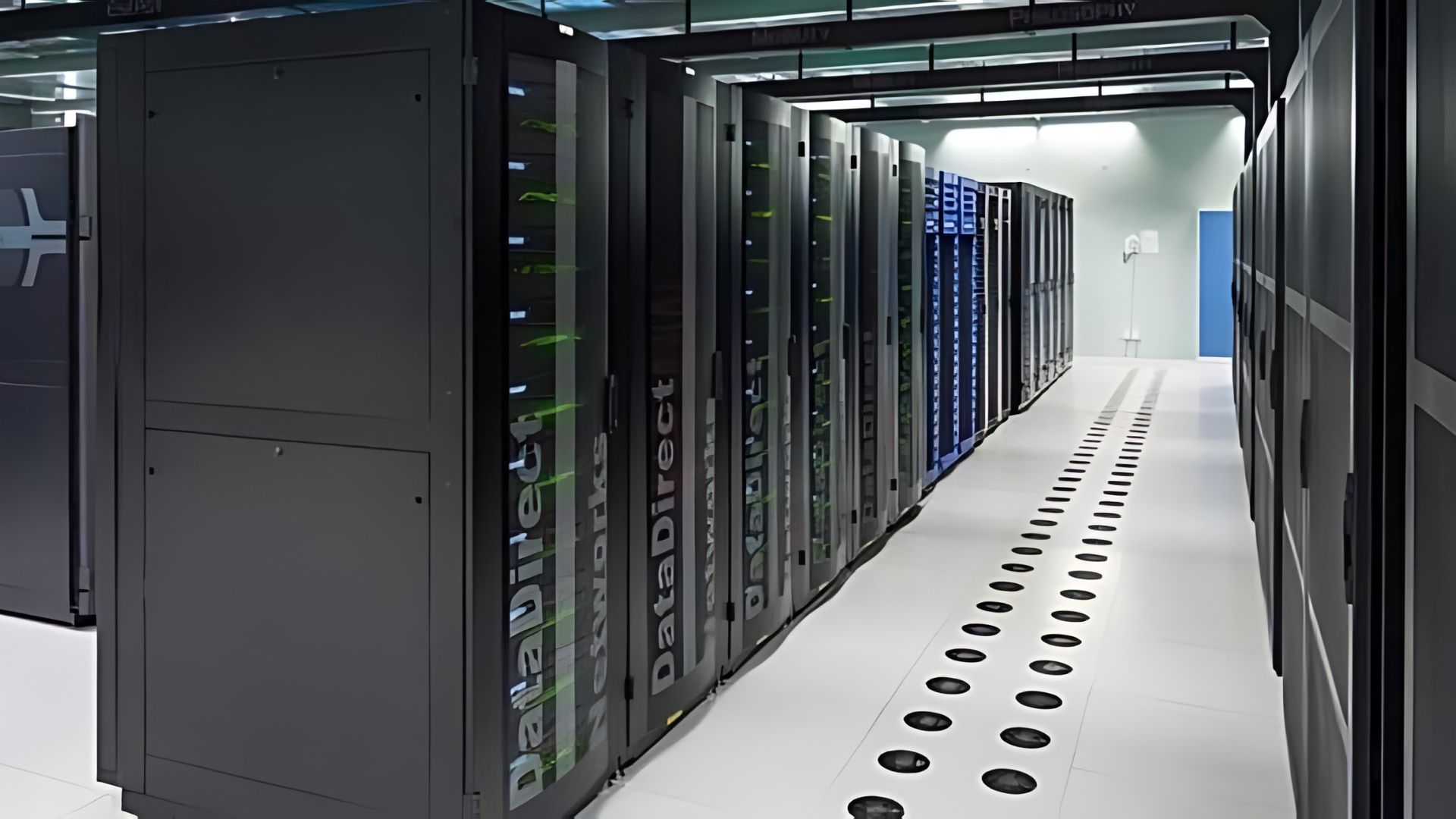
The cloud is a bit like this. Most companies don't want to run the physical servers themselves – they want to harness computing power and offsite data and software without also providing the horsepower. Cloud providers do that for them – their "generators" being warehouses filled with data servers.
Now, companies can access all their data, software and applications without having to provide the power themselves.
"Cloud migration" is the process of moving these things around. There are two main types:
1) From hardware to the cloud. The hardware could be those increasingly anachronistic discs, or it could be an on-site – or "on-prem" – data centre.
2) From cloud to cloud for a belt-and-braces double backup.
Creating a solid cloud migration strategy isn't easy. It requires a lot of thought, expertise and planning. But it's worth it.
What are the different types of cloud?
There are different types of cloud available. When planning a cloud migration strategy, it's important to weigh up the pros and cons and decide which is best for you.
The four main types are:
1) Public cloud
This is by far the most common type of cloud.
Public cloud - The cloud is run on servers that belong to a third party. It's accessed over the public internet and is shared by organizations and individuals who want to use these resources. If you backup files on Google Drive, iCloud or Microsoft Azure, you're using a public cloud.
Public clouds are usually offered in tiers – so you can start with a free service and then upgrade as your needs change.
2) Private cloud
This setup is a little different. Whereas tech companies like Amazon, Google, Apple and Microsoft offer cloud services that run on their own dedicated servers, it's possible for companies to rent or buy their own data centres.
These are often used by government bodies and financial institutions – organisations where complete control of the flow of data is essential.
3) Hybrid cloud
As the name suggests, this is a hybrid of private and public clouds. It tends to be used by organisations who need sensitive data stored privately but want to retain access to the public cloud.
Hybrid cloud technology is complex and usually requires on-prem hardware.
4) Multi-cloud
What it says on the tin – a combination of cloud services from different providers.
Using hybrid or multiple clouds is a way of spreading risk. Running a physical server is a bit like keeping money under your mattress – if the place goes up in flames, you're screwed. But using multiple cloud services is like splitting that money into separate bank accounts.
And like those accounts, cloud services are scalable. As your workloads get more complex and varied, you can keep scaling up and up without physical constraints.
What are the different types of migration?
There are three main types of cloud migration. As with the types of cloud, each method has its advantages and disadvantages.
If you're unsure, then a cloud consultancy can help you to decide the method that's best for your business.
1) Lift and shift
Also known as "rehosting", this is where your workloads are moved without any change to the cloud. As we put it in another blog, it's kind of like moving house without decluttering first – you know you're not leaving anything behind.
Although the lift and shift method doesn't involve "refactoring" – changing software so that it's cloud-optimal – a cloud consultant will take the opportunity to bin any dead wood before the migration takes place.
2) Replatforming
This is where you update some applications before migrating. It's a kind of halfway house between lift and shift and the third and final method.
3) Rip and replace
Where lift and shifts moves wholesale and replatforming tinkers, this final method rips it up and starts again.
Known by the technical name of refactoring or rearchitecting, it involves rebuilding workloads from scratch so they are "cloud-native" – meaning they are optimised for performance on the cloud.
Like we say, these three methods all have pros and cons. But it's worth noting that lift and shift gives you the advantage of migrating now and optimising later, which can help speed up the process.
How can a cloud consultant help?
As we've seen, creating a
cloud migration strategy involves a lot of decisions, none of which is easy to make.
A cloud consultancy can bring its expertise to bear on the process and create a strategy centred on your business's individual needs and workloads – minimising disruption and ensuring a positive outcome.
At Ascend Cloud Solutions, we know the cloud migration process inside and out – after all, we have over 400 successful migrations under our belt. We've worked with clients across a broad range of industries and are experts in VMWare services.
Interested? Then please don't hesitate to
get in touch.